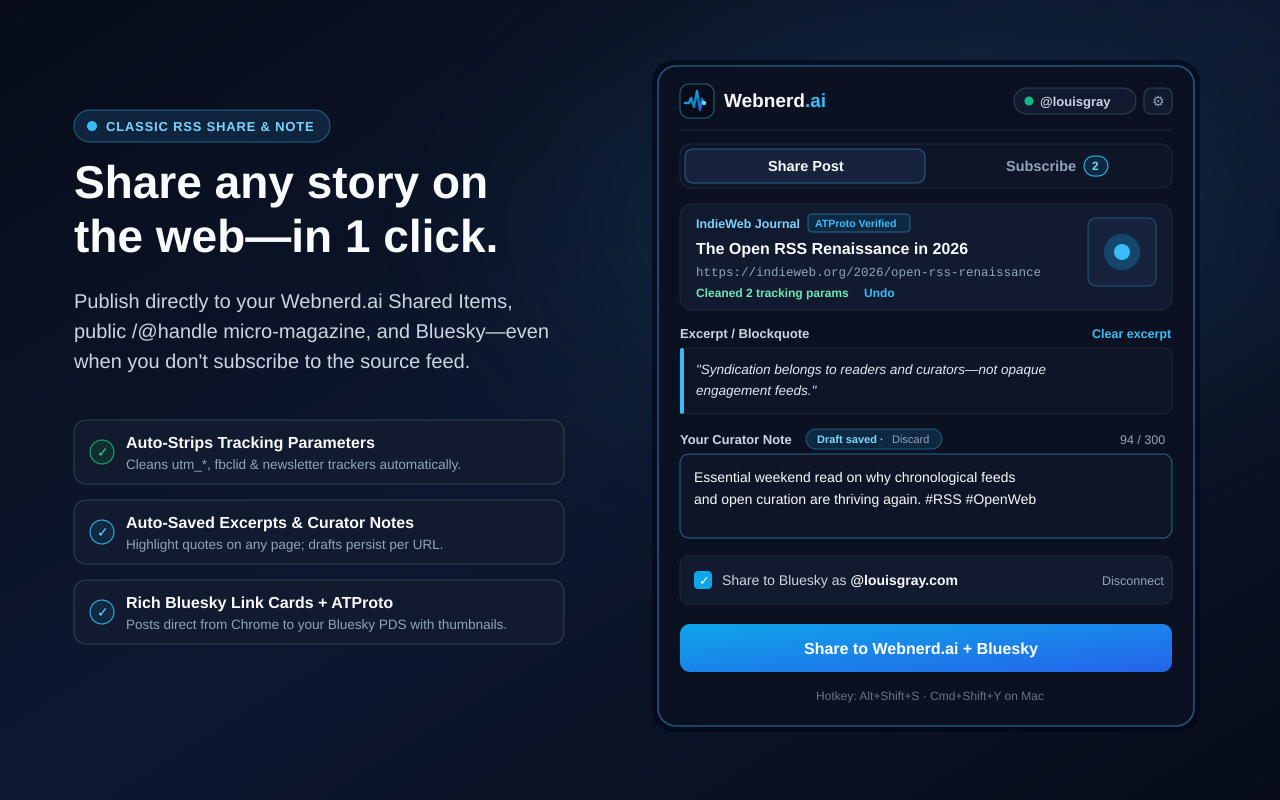
Webnerd.ai Share & Subscribe -- live now in the Chrome Web Store.

The Web content model consists of three major parts: creation, discovery and distribution. The last decade-plus has seen tremendous turbulence as one-time hubs came and went, and content creators lost a grip on how their content could be consumed and shared easily from both dedicated fans and casual visitors. Couple that with shorter attention spans and all matter of marketing hacks that have distracted core audiences, and it's a tough slog out there for journalists and bloggers.
One of the motions I've missed in our consumption and flow has been the fast option to share and subscribe as I encounter the best content on the web. So I've built a Chrome extension for Webnerd.ai that has three major functions:
1. Subscribe to new sources and add them to your folders as you browse.
2. Add individual items to your shares in Webnerd.ai, even without subscribing.
3. Share directly to Bluesky, with optional caption.
Starting today, Webnerd.ai Share & Subscribe is officially public on the Chrome Web Store, working across Chrome and other modern browsers, such as Brave, Arc, Vivaldi, and Edge.
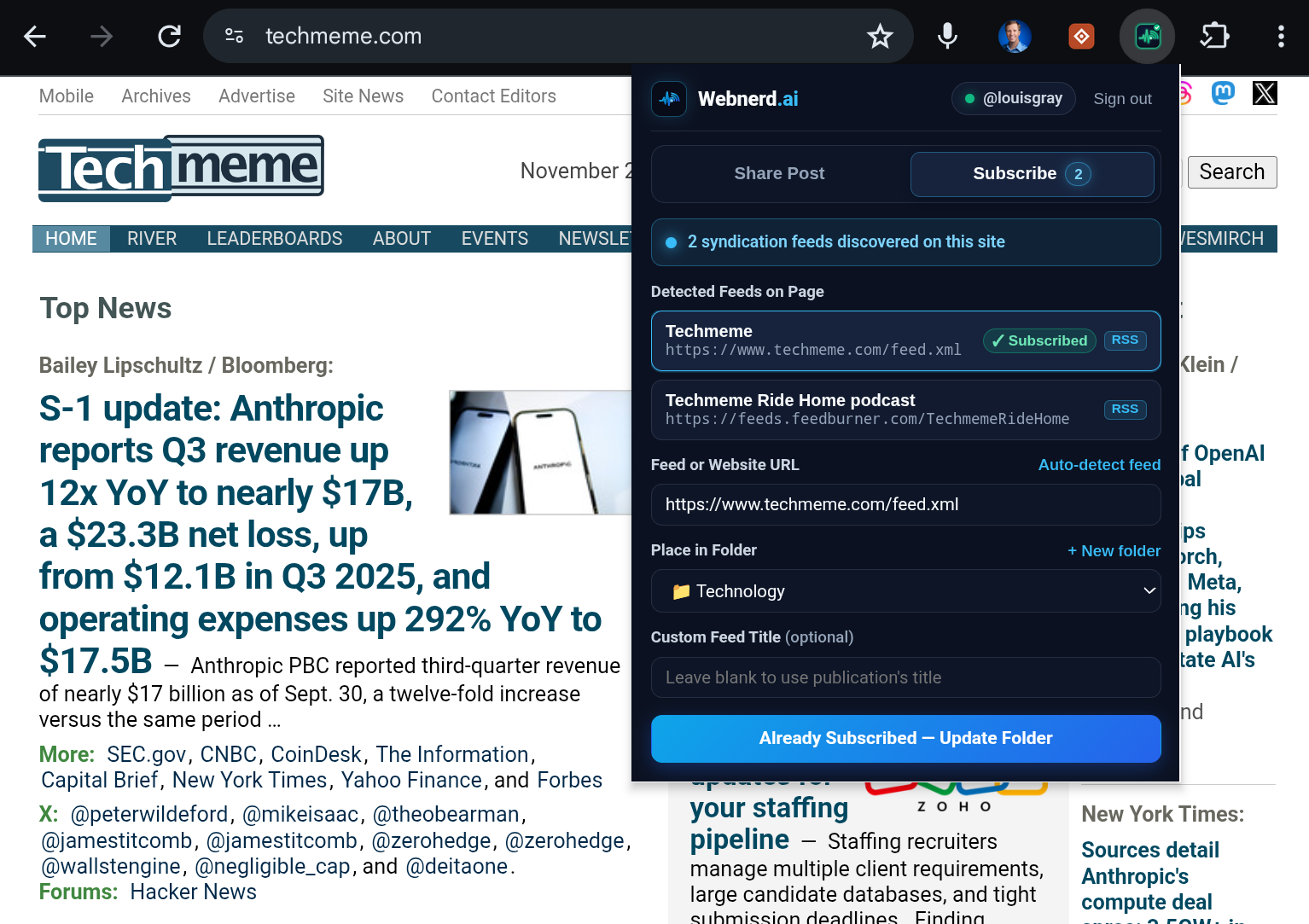
Back in our Web 2.0 peak, I had bookmarklets for Google Reader and FriendFeed as mainstays in my browser and I could see top stories spread from person to person. The act of sharing content helps expose great new sources to my network, and in turn, I learn from them.
Here are some benefits of the Webnerd.ai extension:
One click publishes the story directly to your Webnerd.ai Shared Items, your personal curated stream (like mine at @louis-gray), and its accompanying RSS feed.
The extension is tuned for fast link-blogging while you read, including:
- Auto-Saved Quotes & Notes: Highlight any passage on the page before opening the extension and it drops right in as a clean blockquote.
- Automatic Tracker Stripping: Marketing parameters like
utm_*,fbclid,gclid, and newsletter tracking tokens get scrubbed automatically before you share. - Simultaneous Bluesky Cards & Standard.site Endorsements: Keep the Bluesky box checked to cross-post straight to your feed (such as my LG Stream) with rich OpenGraph link cards, compressed thumbnails, clickable hashtag facets, and cryptographic
site.standard.graph.recommendendorsements via AT Protocol OAuth 2.1.
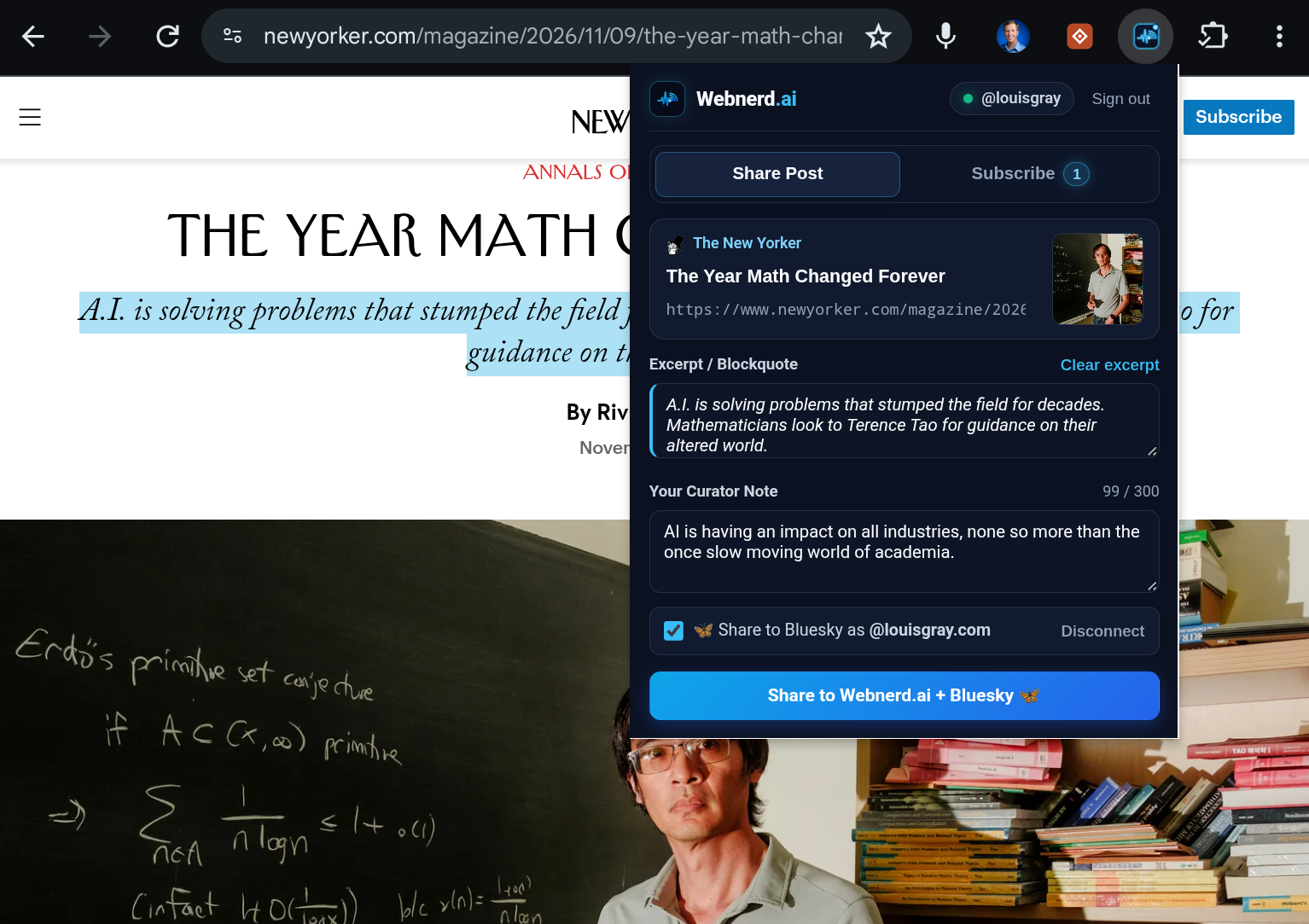
Live Feed Radar, Cadence Previews, and One-Click Folders
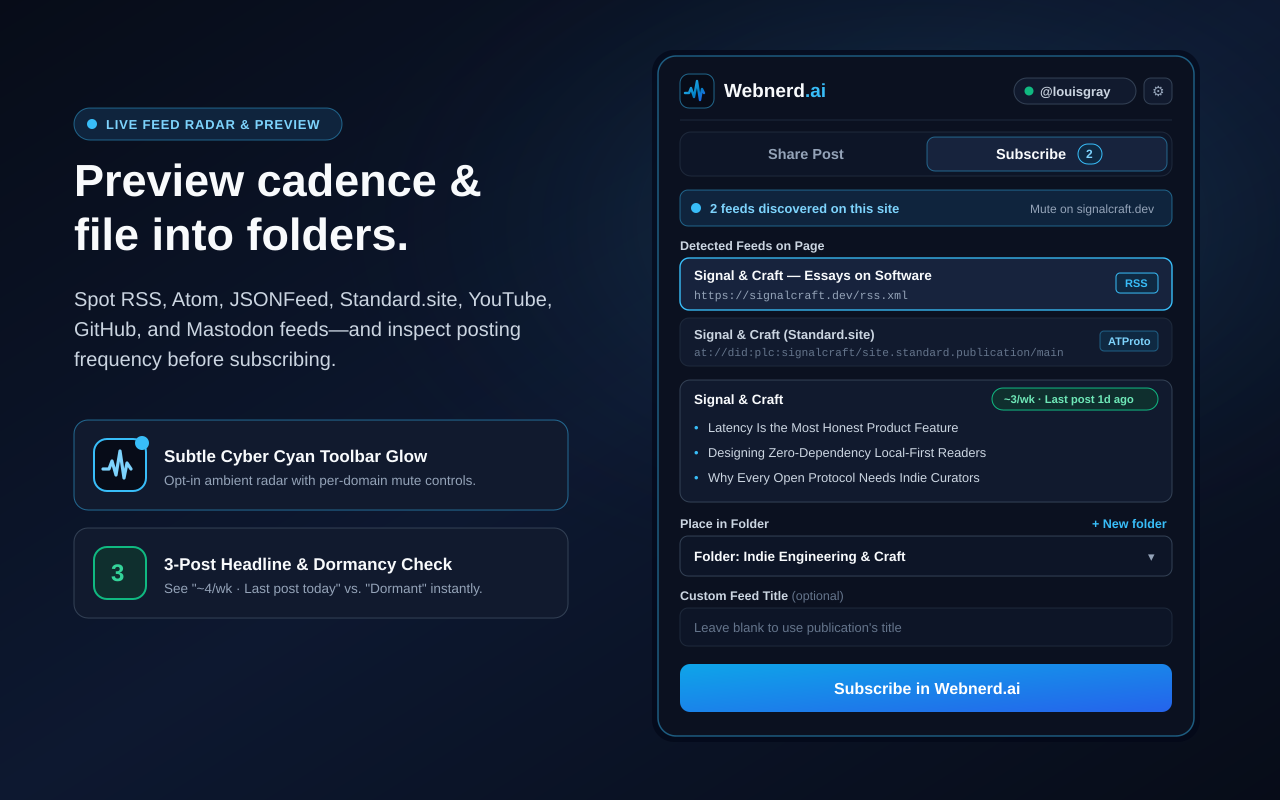
Spot hidden feeds with an optional glow, check the posting cadence, and add as you go.
Modern browsers stripped the orange RSS icon out of the address bar years ago, indicating millions of readers that feeds died when they were actually hiding in plain sight. Turn on the extension's opt-in Toolbar Glow and the toolbar icon gently illuminates whenever a page publishes RSS, Atom, JSONFeed, or AT Protocol Standard.site publications -- including subscribable channels and profiles across Substack, Medium, YouTube, GitHub, Mastodon, Bluesky, and Reddit.
And if you are worried you're going to subscribe to a site that posts way too often, you can previews a feed's latest three headlines alongside an instant cadence check, so you know right away if a blog is active. From there, file the writer directly into any of your existing Webnerd.ai folders or spin up a new folder inline.
Right-Click Quick Share and Privacy-First Permissions
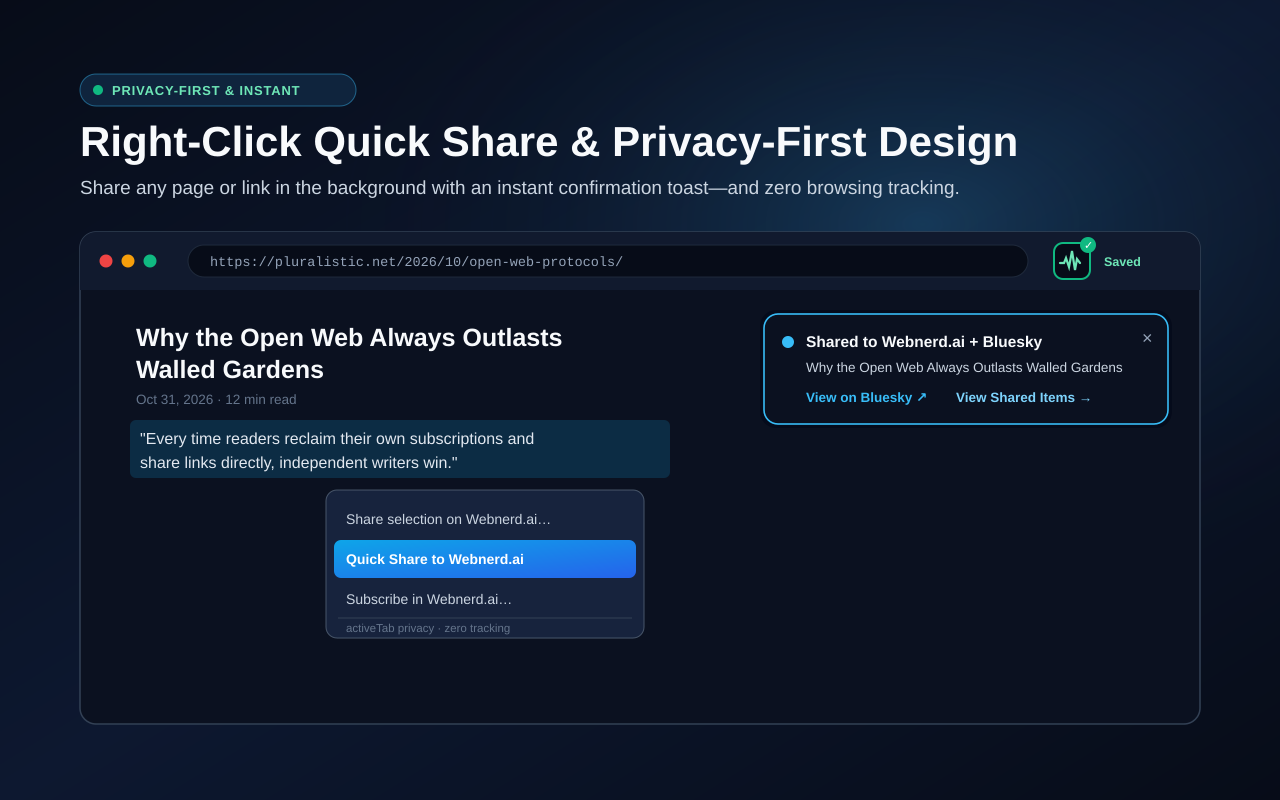
Right-click any page, quote, or link to Quick Share in the background with zero browsing tracking.
When you're moving fast, right-click any page, highlighted quote, or outbound link and hit Quick Share to Webnerd.ai. It publishes in the background and pops a clean confirmation toast in the corner of the page with direct links to view your post on Bluesky or in Shared Items.
Just as important is what the extension refuses to do. Too many browser add-ons demand blanket access to read every page you visit around the clock. I couldn't care less about your browsing history. Out of the box, Webnerd.ai runs on minimal activeTab permissions -- zero background tracking of your browsing activity -- only inspecting the current tab when you click the icon, tap the hotkey, or trigger the context menu (unless you explicitly opt into the ambient Feed Radar glow).
install Webnerd.ai Share & Subscribe from the Chrome Web Store, pin the pulse icon to your toolbar, and tap 1-Click Pair over at webnerd.ai/extension to connect your existing Webnerd.ai session. Give it a spin on your open tabs today and ping me on Bluesky with what you want to see next -- the native Android app is up next.