As
Twitter becomes infrastructure, and its features become well-known, it has become a challenge for third-party clients, like
TweetDeck,
Seesmic,
HootSuite,
Tweetie and others to separate from the pack. But a recent entrant,
Brizzly, has a serious advantage that looks to be paying dividends. You see... the core team consists of Google refugees who left the Mountain View mothership after years of working on cool projects like Google Reader to try and continue innovating in a new space (much like Ev and Biz did when they left Blogger and eventually founded Twitter).
The team, properly called
Thing Labs, also responsible for
Plinky, has in a few months' time created a unique Web interface to Twitter that supports grouping, multiple accounts, inline multimedia and photo support. In addition, the site has also taken on a unique approach to managing the ever-popular trending topics from Twitter, and has an ace in the hole which lets you mute somebody who might be dominating your feed.
For the last six weeks, I have been using Brizzly, in addition to my monitoring Twitter through Seesmic's Web client, the company's standard interface, and wherever else Tweets may land - including
FriendFeed and
Facebook. And while there is no question the product is in its early stages, some of its major features are missing from competitive products.
Upon logging in, Brizzly leverages your Twitter credentials, using OAuth, to find your account data, including friends' updates, replies and direct messages. It also includes saved searches that you have enabled through Twitter.
These categories, including your direct messages in box and sent items, are on the left side of the screen. What's new, compared to the standard Twitter UI, is the addition of groups. You can make as many groups as you like, ensuring you don't miss updates from your real friends. For example, I have one called "Google Ecosystem" that's filled with current and former Googlers. This function is similar to Groups from TweetDeck, or Lists in FriendFeed. Seesmic, another Web client favorite of mine, doesn't yet support this feature.
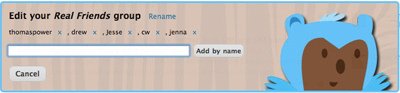
Creating a New Group Called "Real World Friends" in Brizzly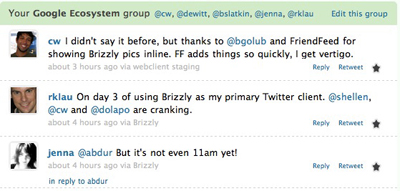
My "Google Ecosystem" Group Displayed in Brizzly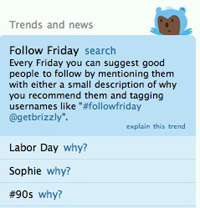
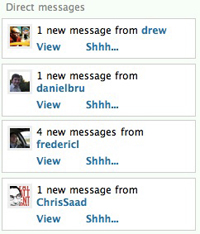
The right side of the screen is where individual direct messages will appear, where you can view them or quiet them by clicking "Shh...". In addition, you can see trending topics, not just listed, but defined, by other Brizzly users. Think you can explain why Jay-Z is a trending topic? Just click "Why?: and put in a note.
The Brizzly team has taken steps to also make Twitter a little less text-centric. While Twitter continues to be limited by the number of characters people can send, and only showing text, Brizzly displays videos and photos from a variety of third-party sites in line. You can also post photos directly from Brizzly and have them hosted by Brizzly, with a dedicated page showing you how many views the photo got, along with your corresponding tweet.
One Image I Shared In Brizzly (and its stats)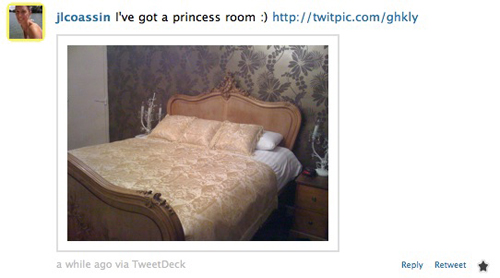
Another Image Flowing Through My Brizzly StreamA few weeks ago, I talked with the company's co-founder, Jason Shellen, for his thoughts on Brizzly, and what the team is trying to do in what's no doubt a very crowded space.
"We took a big bite out of the social Web with Google Reader. With Brizzly, our intent was to do some fun things with Twitter and see where that takes us," Shellen said. "Chris (Wetherell) and I come from a very social background, so we know that each community has its own flavor. With FriendFeed, the aggregation of all that stuff made its own community. We thought maybe what we can do is take you where you are in your community and give you better tools to manage that tool better. We are not trying to displace Twitter or Facebook, but make it a one stop shop with rich features on top."
Want to try those rich features, including the ability to retweet in line, and mute overtweeters? There are 250 invites, just for louisgray.com readers. Enter the code of
daringbaking when you go to open an account at
http://www.brizzly.com.
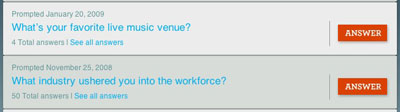
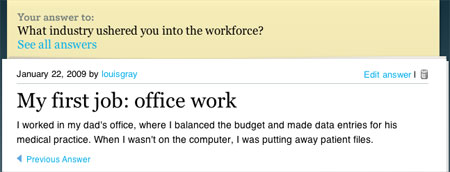
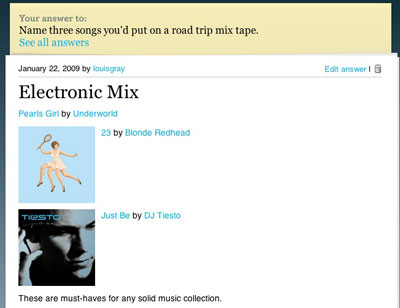
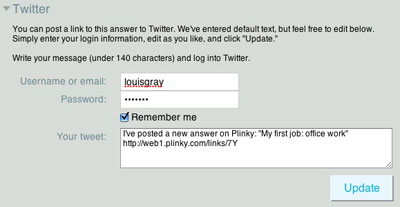
 With the Thing Labs team focused almost completely on Brizzly for the last several months, the company's ability to give attention to both their intriguing social media client and the product that preceded it, Plinky, the pushy prompt site, looks to have run out. In an e-mail to all registered users, the team said this week's prompt, one of more than 400 published to date, would be the last. While the site will remain active for the near term, it won't be seeing much attention going forward.