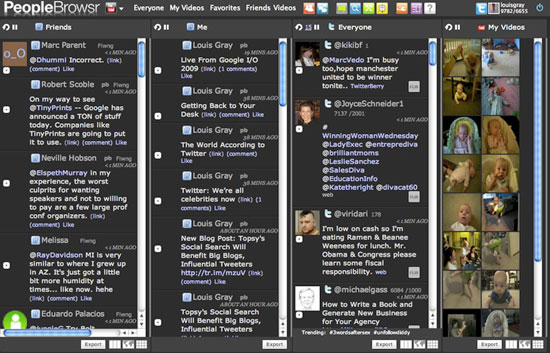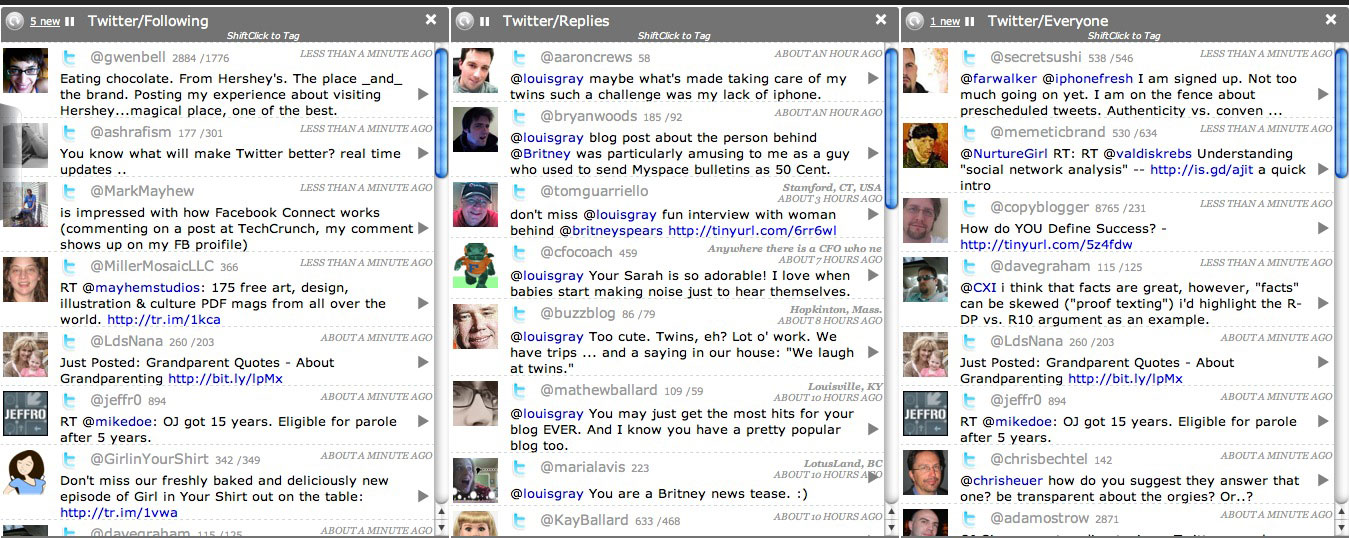
With just about everyone signed up to many different social networks and trying to find a way to stay active on each, or simply not miss any of their friends updates, even the aggregation sites, like FriendFeed, are being seen as information silos. Essentially, if you're making comments on FriendFeed, you're not keeping as close an eye on Twitter. And if you're staring at your TweetDeck all day getting Twitter updates, you're not seeing everything that might be happening on FriendFeed, or LinkedIn, Flickr, or YouTube. And managing the firehose can be difficult. Many people are claiming social networking bankruptcy, e-mail bankruptcy and even RSS feed bankruptcy. PeopleBrowsr, a new entrant, very much in alpha, makes the firehose of data less about the information and more about the individuals themselves, as you can see all your friends activities on their various social networks, see who their friends are, and get real-time updates, on one screen, from more than one network at a time.
PeopleBrowsr in action (Click for Full Size)The project, also covered by
Robert Scoble and
Sarah Perez of ReadWriteWeb, is a lot like TweetDeck in your browser, acting with Twitter as its main draw, segmenting updates by those you follow, "Top Twitters", and even the public feed. But should you want to step outside of the Twitterverse, you can swap out PeopleBrowsr's focus, and browse FriendFeed, Flickr, Digg, Identica, YouTube, LinkedIn, Seesmic and more. And should you want to get the networks all at once, you can even browse in what they call "Mix" mode, showing updates from more than one social network at a time, in a single stream.
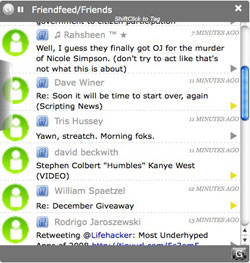

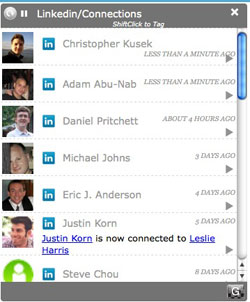
Updates from FriendFeed, LinkedIn in PeopleBrowsrGetting updates from around the Web in one place is something many people have tried in their own ways. Some apps, like Posty, let you view one network at a time through a small application. FriendFeed and others have aggregated data in one place and let you make comments on their site, or out to Twitter. PeopleBrowsr actually lets you perform almost any standard function you can do through the native site, including Twitter and FriendFeed, right from its own interface. You can Tweet, you can make comments on FriendFeed items, you can add new Twitter followers if you see an avatar you don't recognize, etc.
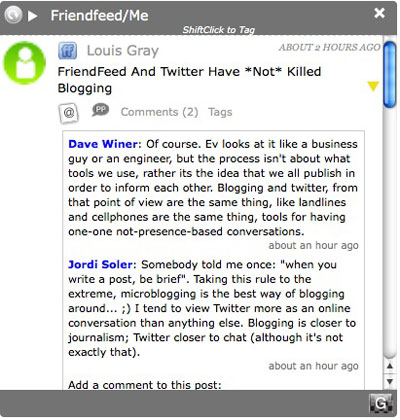
As the service said in a press release today, "PeopleBrowser enables social media power users - and the rest of us - to concentrate energy in one place instead of wrestling with a distributed presence." The idea is you keep PeopleBrowsr open all day long on your desktop, and use it as your distribution point to your presences around the Web.
PeopleBrowsr, if you leverage all of its tools, can be overwhelming, just like many people thought about Feedly, Assetbar, and FriendFeed. There are so many different things you can do, from viewing a friend's friends, to grouping people across networks, to tagging people, or even seeing what other tags have been given to you. You can view people in a grid format, and click on the avatars you know well, or you can view it in column mode, much like TweetDeck. The secret to finding it useful is choosing the pace of updates, limiting the followers in each area, and hiding networks you don't want updates from.
For social media nuts like Scoble (and me, I guess), any time you can use a tool to get all the updates in a more simplified way, it's great. I met with Jodee Rich, creator of PeopleBrowser, twice in preparation for the company's announcement, and mentioned how at times I felt odd that I could use PeopleBrowsr without limitations, but wouldn't say anything, back in October, until they were ready for general availability. (See:
We're Open for Testing, but Please Don't Tell Anyone!) The service has gotten a lot better over the last few months, as more services were integrated and more tools were piled on, all while trying to make the flow less overwhelming. But there is still plenty of room to go, so if you run into hiccups, or find things slightly confusing, don't give up, but instead let them know, and they will continue to make updates.
That's why this service is in alpha, and why bugs are expected. But you can see the intrigue already. I know I have. Check it out at
http://peoplebrowsr.com/
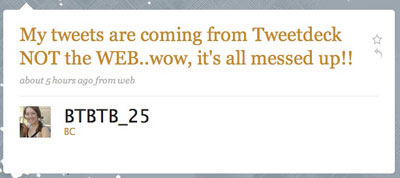
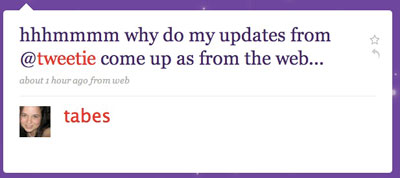
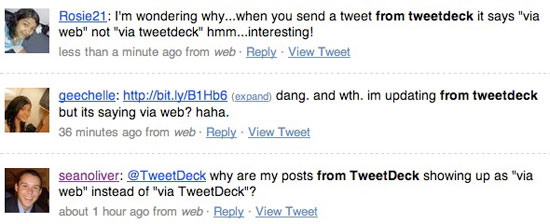
 Following Twitter's mid-day downtime and "fatal software error" they reported on their blog Saturday, it looks like the site is no longer displaying what applications its users are leveraging to post updates. Regardless of whether you are using TweetDeck, Tweetie, PeopleBrowsr, Seesmic Desktop, or simply redirecting updates from FriendFeed, Twitter is reporting all updates are from their Web interface.